whisper.cpp
Fast and flexible speech recognition in C/C++.
AI Developer Tools·free
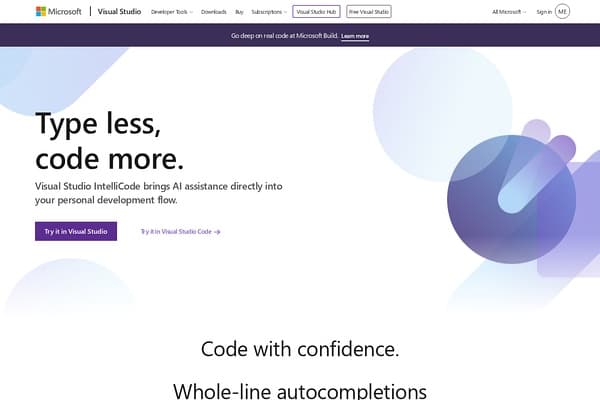
An extension for Visual Studio that provides AI-assisted suggestions based on best practices found in thousands of projects.
Visual Studio IntelliCode is a groundbreaking AI-powered extension for Visual Studio designed to enhance coding experience through intelligent suggestions and automation. By utilizing machine learning techniques, IntelliCode analyzes immense datasets from thousands of open-source projects on GitHub, offering developers smart code completions tailored to their current coding context. This not only improves coding efficiency but also assists in maintaining best practices, allowing developers to code more effectively and with confidence. The tool operates directly on users’ machines, ensuring that their private code remains secure and unaffected by outside interference.
This innovative software redefines coding assistance by providing whole-line autocompletions based on the specifics of the code being written. Not only does IntelliCode prioritize suggested code that is most relevant to the developer's current task, but it also includes personal codebase styles, helping individual developers adopt best practices more easily. Compatible with various programming languages such as C#, Python, and JavaScript, IntelliCode becomes an invaluable resource for developers at all levels, streamlining workflows and enhancing productivity with every line of code written.
Visual Studio IntelliCode is available on a freemium basis. The core features are free to use, providing developers with essential AI code completion tools and suggestions. Additional premium features may be available through various Visual Studio subscription plans.
Pros
Cons
IntelliCode currently supports multiple languages including C#, Python, JavaScript, TypeScript, C++, and more, making it a versatile tool for various developers.
Yes, IntelliCode offers a freemium model where core features are free, while more advanced features may require a subscription.
By providing intelligent code completions based on context and best practices from thousands of projects, IntelliCode allows developers to code faster and with greater accuracy.
Absolutely! IntelliCode is available as an extension for both Visual Studio and Visual Studio Code, making it accessible to a wide range of developers.
Yes, IntelliCode runs locally on your machine, ensuring that your private code remains secure and is not sent to external servers.
Need to organize your AI tool files?
Managing files from Visual Studio IntelliCode and other tools? The Drive AI automatically organizes, tags, and retrieves all your files with AI.
Try The Drive AI free