Framov
Turn frames into smooth AI-generated videos.
AI Video·freemium
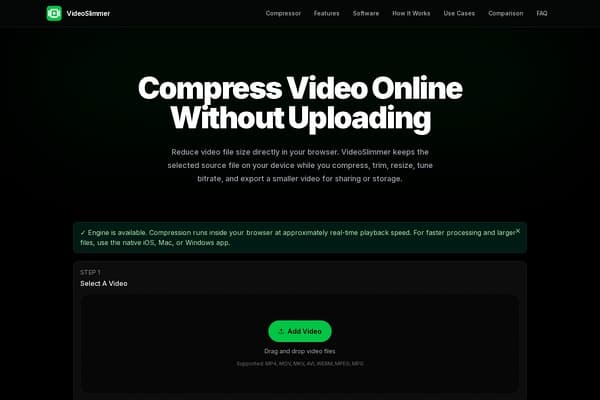
Effortlessly compress your videos without uploading them!
VideoSlimmer revolutionizes the way we approach video compression by emphasizing privacy and efficiency. Designed for both casual users and professionals, this tool allows you to keep your video files local while taking full advantage of powerful compression features. Whether you’re a content creator looking to optimize videos for sharing on social media or a professional needing to compress client videos securely, VideoSlimmer provides the flexibility and control necessary for any video editing task.
The application operates directly from your browser, meaning there’s no need for lengthy uploads to remote servers. Users can adjust compression settings according to their specific needs, including resolution, bitrate, and frame rate. Furthermore, the native applications for iOS, Mac, and Windows enhance user experience by offering offline capabilities for larger files and batch processing, making it perfect for extensive video editing workflows.
VideoSlimmer offers a freemium model. The basic features are available for free, while advanced features and native apps are available for a subscription fee of $9.99/month, which includes offline capabilities and support for larger video files.
Pros
Cons
VideoSlimmer supports MP4, MOV, MKV, AVI, and many other common video formats for both input and output.
Yes! Since compression happens locally in your browser, your video files do not leave your device, ensuring your privacy is maintained.
Absolutely! VideoSlimmer allows you to trim the start and end of your video clips during the compression process.
You can use VideoSlimmer on any modern browser capable of handling video compression, and there are also native apps available for iOS, Mac, and Windows.
The free version has limitations on the maximum file size and some advanced features, but it is perfect for basic video compression needs.
Need to organize your AI tool files?
Managing files from VideoSlimmer - Smart Video Compressor and other tools? The Drive AI automatically organizes, tags, and retrieves all your files with AI.
Try The Drive AI free