AFAI Age Filter
See yourself older with AI aging effects.
AI Image Generation·free
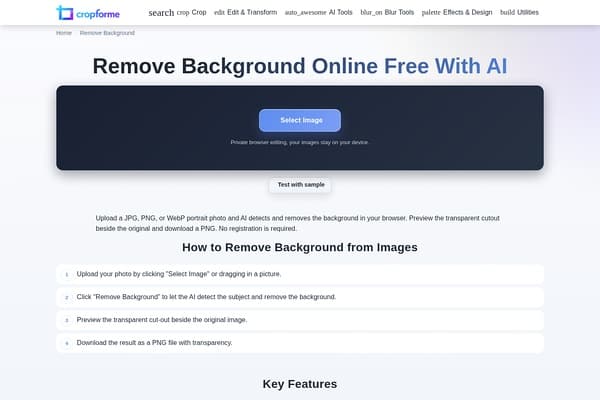
Effortlessly remove backgrounds for images with AI.
Remove Background by CropForMe is an innovative online tool designed to simplify the process of background removal from images. By leveraging artificial intelligence, it allows users to focus on the subject of their photos without the distraction of unwanted backgrounds. Specifically optimized for images featuring people, it guarantees quick and accurate removal, making it a favorite among marketers, designers, and content creators.
The intuitive interface ensures that users can achieve professional-looking results without the need for complex software. Just upload an image, and with one click, the AI works in real-time, providing a side-by-side comparison for easy verification. Downloading the image is equally straightforward, resulting in a transparent PNG file that can be utilized in a myriad of contexts such as e-commerce, social media, or presentations. With no hidden fees or lengthy sign-up processes, CropForMe delivers an efficient and user-friendly background removal solution.
This tool is completely free to use without any hidden costs. Simply upload your images and start removing backgrounds immediately. There are no subscription plans or paywalls involved.
Pros
Cons
On high-quality images with clear subjects, the AI achieves accuracy levels of 90 to 95 percent.
Images with good lighting and clear contrast between the subject and background yield the best results.
Yes, you retain full rights to your images, making them suitable for e-commerce and marketing.
Images are available for download as transparent PNG files.
No, all processing occurs locally in your browser without uploading or saving files.
Need to organize your AI tool files?
Managing files from Remove background and other tools? The Drive AI automatically organizes, tags, and retrieves all your files with AI.
Try The Drive AI free