50% off
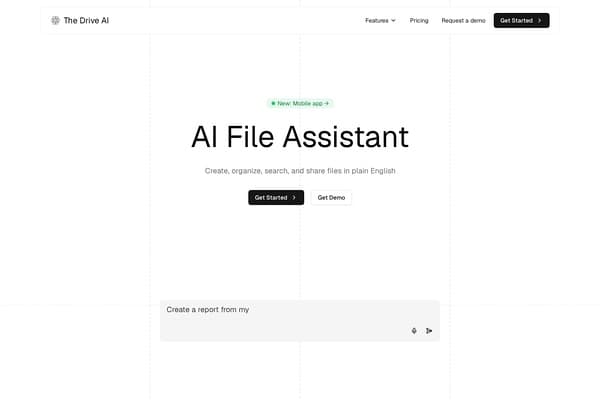
The Drive AI
Revolutionary AI-driven document management for seamless collaboration.
AI Productivity·freemium50% off →
Easily convert PDFs to editable Word documents with AI.
PDF to Word AI is revolutionizing the way users manage documents by employing cutting-edge AI technology to convert PDF files into fully editable Word documents. The tool ensures that the original layout, fonts, and images are preserved, allowing users to edit their documents without any loss of quality. This functionality is especially crucial for professionals and students who need to make revisions on the go, ensuring efficient workflow and productivity.
The platform is designed for ease of use, enabling anyone to convert documents swiftly and understand the process without technical skills. Whether you need to convert invoices, reports, or academic papers, PDF to Word AI offers a reliable solution that caters to a diverse range of document types. By providing a secure and efficient environment for document conversion, users are empowered to focus on what truly matters—creating and editing content without unnecessary barriers.
PDF to Word AI offers a free tier for basic document conversions. For users needing advanced features such as batch processing and priority support, the premium plan starts at $9.99 per month, allowing unlimited conversions and enhanced processing capabilities.
Pros
Cons
Yes, PDF to Word AI offers a free tier that allows for basic conversions, but additional features are available in the premium plan.
You can convert any standard PDF document to an editable Word file using PDF to Word AI.
The platform ensures that all documents are processed securely, with no storage of user files after conversion.
Yes, the tool supports batch conversion for multiple PDF files in a single session with the premium plan.
While the free tier may have size limits, the premium version allows larger files to be converted without issues.
Need to organize your AI tool files?
Managing files from PDF to Word AI and other tools? The Drive AI automatically organizes, tags, and retrieves all your files with AI.
Try The Drive AI freeRevolutionary AI-driven document management for seamless collaboration.
Extract images, text, and data from various files in bulk.
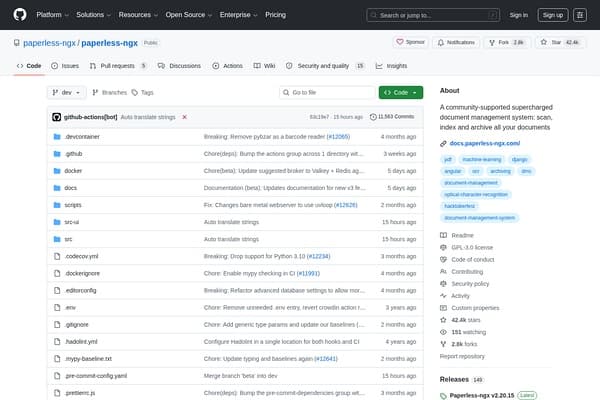
Revolutionize your document management with Paperless-ngx!