50% off
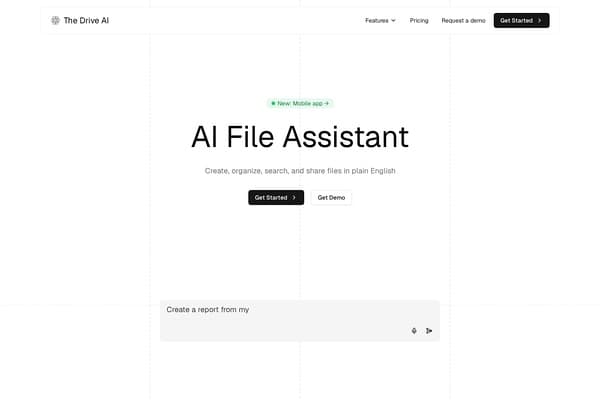
The Drive AI
Revolutionary AI tool for seamless document management and collaboration.
AI Productivity·freemium50% off →
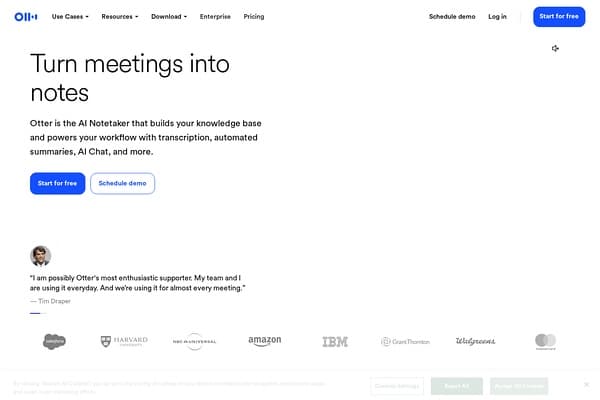
AI meeting transcription and notes
Otter.ai is a game-changer in the realm of AI productivity tools, serving as a sophisticated meeting assistant that revolutionizes how professionals take notes and manage meetings. By leveraging cutting-edge technology, Otter offers real-time transcription, automatic meeting summaries, and action item tracking to streamline the entire meeting process. Whether you're on Zoom, Teams, or Google Meet, Otter seamlessly integrates with these platforms to ensure that you never miss a critical detail. With speaker identification capabilities and comprehensive note organization, Otter.ai transforms your meeting conversations into searchable knowledge that accelerates your workflow.
Ideal for a variety of industries, Otter serves as a vital resource for sales professionals, educators, media experts, recruiters, and more. Its versatility allows teams to customize how they capture and manage notes, whether through auto-joined meetings or recordings made directly on desktop or mobile devices. With a freemium pricing model, Otter.ai makes advanced meeting management accessible to everyone, ensuring that even small teams can benefit from its powerful features. The tool not only helps in organizing information but also empowers users with actionable insights necessary for making informed decisions quickly and efficiently.
Otter.ai operates on a freemium model, providing users with a basic free tier that includes essential features. Paid plans start at $8.33 per month for the Pro version, which offers advanced capabilities such as unlimited transcription time and team collaboration features. The Business plan is tailored for larger teams requiring enhanced administrative controls and integrations, priced at $20 per month per user. A free trial is also available for new users to explore premium features before committing to a paid plan.
Pros
Cons
Yes, Otter.ai can sync with your calendar to automatically join scheduled meetings and capture transcripts.
Otter.ai employs industry-standard security protocols and encrypts your data to ensure your information is safe.
Absolutely! Many educational institutions utilize Otter.ai for lectures, providing students with valuable resources and improving their learning experience.
You can export your transcripts in various formats, including TXT, PDF, and DOCX for easy sharing and editing.
Yes, Otter.ai includes live transcription in several languages, catering to a diverse range of users.
Need to organize your AI tool files?
Managing files from Otter.ai and other tools? The Drive AI automatically organizes, tags, and retrieves all your files with AI.
Try The Drive AI freeRevolutionary AI tool for seamless document management and collaboration.
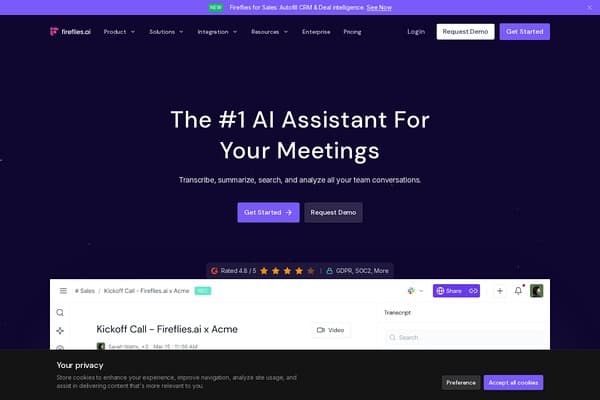
AI-powered meeting notes for seamless teamwork.
Maximize efficiency with powerful AI-driven productivity solutions!