50% off
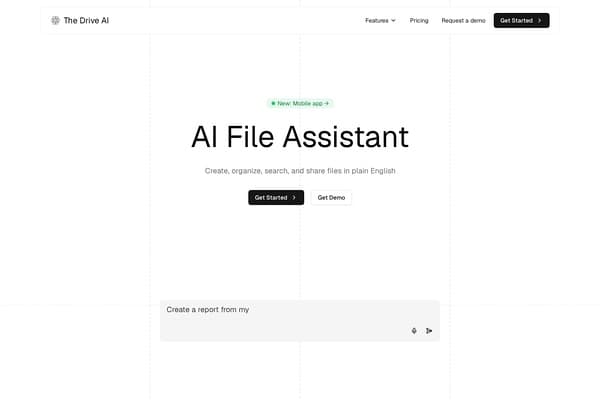
The Drive AI
Revolutionize file management with The Drive AI's intelligent document assistant.
AI Productivity·freemium50% off →
Sync AI memory across multiple platforms effortlessly.
Memory Sync is a revolutionary Chrome extension that provides a seamless solution for users juggling multiple AI assistants like ChatGPT, Claude, and Gemini. Designed to enhance productivity, Memory Sync allows users to centralize their personal preferences, project context, and working styles in a single, easily editable file named Memory.md. This alleviates the repetitive task of reintroducing oneself to each AI assistant and ensures that critical information remains consistent and accessible across platforms. With its intuitive pull-edit-push workflow, Memory Sync transforms memory management from a tedious necessity into an efficient, streamlined process.
The tool recognizes an essential need in the evolving AI landscape, offering users up to three complimentary syncs monthly to demonstrate its effectiveness. Its functionality extends to seven major AI platforms, enabling users to maintain a cohesive working experience amongst their digital assistants. As the demands of productivity evolve, Memory Sync stands out by facilitating better continuity and control over long-term memory, empowering users to personalize their interaction with AI smarter than ever before.
Memory Sync operates on a freemium pricing model. Users can enjoy three complimentary memory syncs each month. For those needing more flexibility, an affordable Pro plan is available, which offers unlimited sync capabilities and additional premium features.
Pros
Cons
Memory Sync uses a single editable Memory.md file, which it manages by pulling from one AI platform and pushing to another, thereby preserving long-term context with user review.
No, Memory Sync complements built-in memories by offering a portable source of truth that users can easily edit and manage.
At present, the workflow supports ChatGPT, Claude, Gemini, Grok, Kimi, Mistral, and Copilot, utilizing the same Pull, Edit, and Push pattern.
Currently, Memory Sync requires user intervention in a human-in-the-loop process, allowing users to oversee what gets sent or kept.
Memory Sync provides three free syncs each month, allowing users to test the tool before deciding on additional options.
Need to organize your AI tool files?
Managing files from Memory Sync and other tools? The Drive AI automatically organizes, tags, and retrieves all your files with AI.
Try The Drive AI free