爱途AI (Aitu AI)
Generates complete visual sets for e-commerce products.
AI Image Generation·free
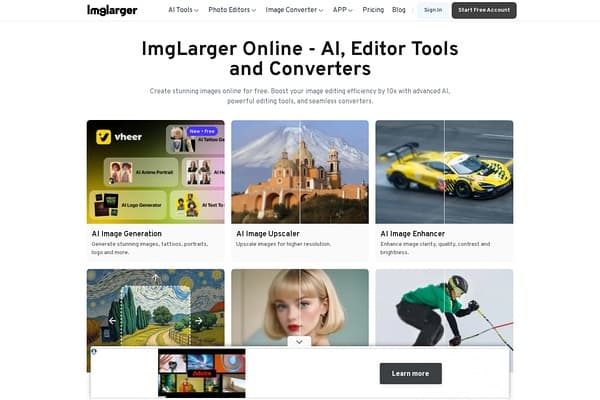
AI Image Enlarger enhances image resolution while maintaining quality, using AI-driven algorithms for upscaling.
Imglarger is a robust AI Image Enlarger designed to enhance image resolution while ensuring that the quality remains intact. Utilizing advanced AI-driven algorithms, Imglarger allows users to upscale images seamlessly without introducing any artificial elements. Whether you need to magnify a cherished family photo or prepare high-resolution content for marketing materials, this tool provides an easy and efficient solution. Users can experience the power of AI in improving clarity and sharpness, elevating their images to professional standards without the need for sophisticated editing skills.
Imglarger offers a freemium pricing model, allowing users to access basic features at no cost. For those seeking advanced capabilities, premium plans are available at competitive rates, providing more extensive usage options and enhanced features.
Pros
Cons
Imglarger supports various image formats including JPG, PNG, and WEBP, making it versatile for different user needs.
Yes, Imglarger uses advanced AI algorithms to upscale images while preserving the original structure and minimizing distortion.
No, you can start using Imglarger without registration, although creating an account may provide additional features.
The basic features are available for free, while advanced functionalities require a subscription for premium access.
Yes, Imglarger allows for batch processing, enabling users to enhance multiple images simultaneously.
Need to organize your AI tool files?
Managing files from AI Image Enlarger and other tools? The Drive AI automatically organizes, tags, and retrieves all your files with AI.
Try The Drive AI free